
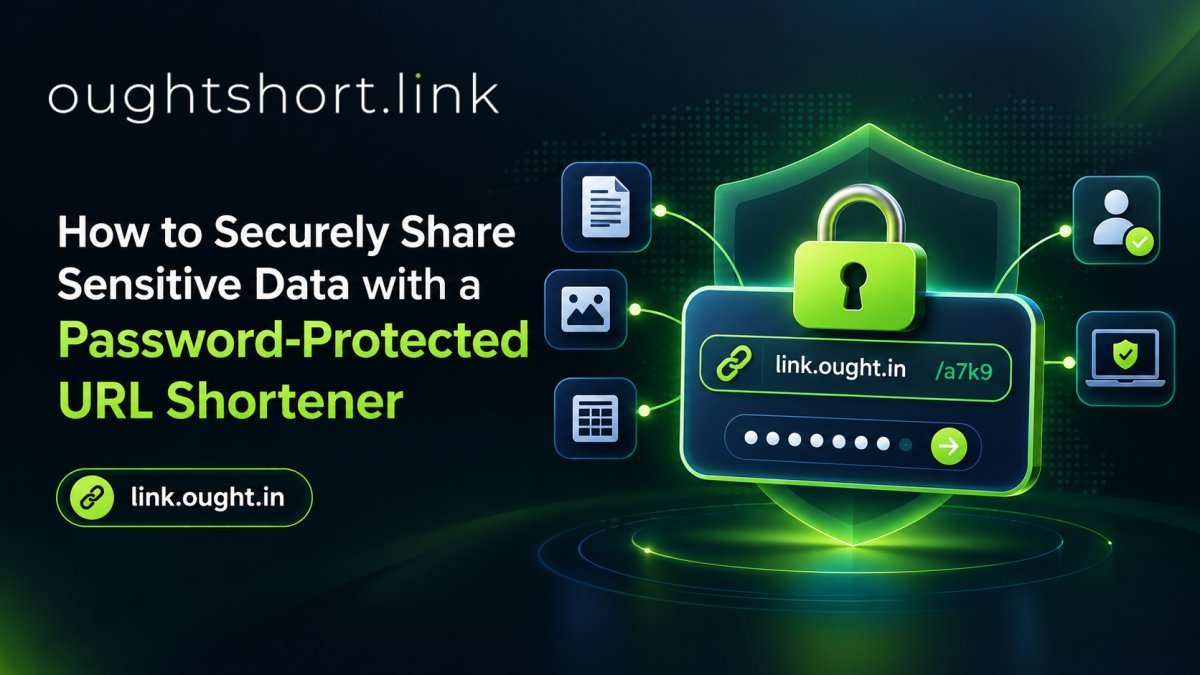
The digital age demands seamless sharing, but when it comes to sensitive data—like financial reports, client portfolios, or private documents—standard sharing methods fall short. Sending raw, unprotected links leaves your data vulnerable to unauthorized access and interception.
So, how do you bridge the gap between convenience and security? The answer lies in using a password-protected URL shortener.
Whether you are a freelancer sharing a confidential proposal or an enterprise distributing internal memos, securing your digital assets is non-negotiable. Here is a complete guide on how to securely share sensitive data and why OUGHT Short Link (https://link.ought.in) is the ultimate free tool for the job.
The Risks of Unprotected Link Sharing
When you paste an unshortened, unprotected link into an email, Slack channel, or social media message, you surrender control over who clicks it. Unprotected links carry significant risks:
- Accidental Forwarding: Once a link is out there, anyone with access to the conversation can forward it to unauthorized parties.
- Search Engine Indexing: Without proper safeguards, private cloud storage links can sometimes be indexed by search engine bots.
- Data Breaches: Cybercriminals frequently intercept emails and messages to harvest sensitive document links.
What is a Password-Protected URL Shortener?
A password-protected URL shortener takes your long, clunky destination URL and creates a neat, concise link. However, instead of immediately redirecting the user to the destination page, it prompts them with a secure gateway. The user must enter a predetermined password before the redirect completes.
This simple friction point ensures that only authorized individuals holding the password can view your content.
Why You Need to Password Protect a Link
Using a secure URL shortener provides a multi-layered approach to digital privacy:
- Absolute Access Control: You decide exactly who gets to see your content. Even if the link leaks, the data remains locked.
- Professional Appearance: A custom, clean link looks significantly more professional than a messy string of alphanumeric characters, building trust with your clients.
- Enhanced Tracking: Secure shorteners often provide analytics. You can track when your protected link was clicked and from where, giving you a clear audit trail of data access.
- Peace of Mind: Knowing your intellectual property and sensitive client data are guarded behind a cryptographic wall allows you to operate with confidence.
How to Password Protect a Link for Free
Many premium link management platforms charge hefty monthly subscription fees for advanced security features. However, OUGHT Short Link provides enterprise-grade security features—including password protection—completely free of charge.
Here is how to password protect a link in seconds:
- Navigate to the Platform: Open https://link.ought.in in your browser.
- Paste Your Destination URL: In the main dashboard, paste the long, sensitive URL you want to share.
- Access Advanced Features: Click on the advanced settings or security tab before generating the link.
- Set Your Password: Toggle the "Password Protection" feature and input a strong, unique password. (Tip: Share this password with your recipient via a secondary channel, like SMS or an encrypted messaging app, rather than in the same email as the link).
- Shorten and Share: Click "Shorten." You now have a clean, secure link ready for distribution.
Secure Your Digital Footprint Today
Data security doesn't have to be complicated or expensive. By adopting a password-protected URL shortener, you instantly elevate your data privacy protocol and protect your sensitive information from unauthorized eyes.
Ready to lock down your data? Head over to OUGHT Short Link to create your first secure, password-protected link today—100% free, forever.
0 Comments
Be the first to comment.
Leave a Comment