
In our day-to-day digital workflows, sharing links is second nature. Whether you are sending a staging environment to a client, sharing a confidential document with a colleague, or sending temporary login credentials, a quick copy-paste usually does the trick.
However, standard URL sharing comes with hidden risks. If a link falls into the wrong hands—through a mistyped address, a compromised chat history, or a public browsing history—your sensitive information is instantly exposed.
This is where password-protected URL shorteners like link.ought.in change the game. In this guide, we will explore why standard link sharing falls short and how you can use password protection to keep your digital communications secure.
Why Standard Link Sharing Is a Security Risk
Most traditional URL shorteners are designed purely for convenience: they take a long URL and compress it into a clean, easy-to-share format. But convenience often compromises security.
- No Access Control: Anyone who clicks a standard shortened link goes straight to the destination page. There is no verification of identity.
- The "Shared History" Trap: If you share a private link in a public or shared messaging channel, anyone who scrolls up can access it.
- Accidental Exposure: Search engine crawlers, browser extensions, or proxy servers can sometimes log or index exposed URLs.
When dealing with sensitive data, you need a mechanism that ensures only the intended recipient can cross the threshold.
What is a Password-Protected URL Shortener?
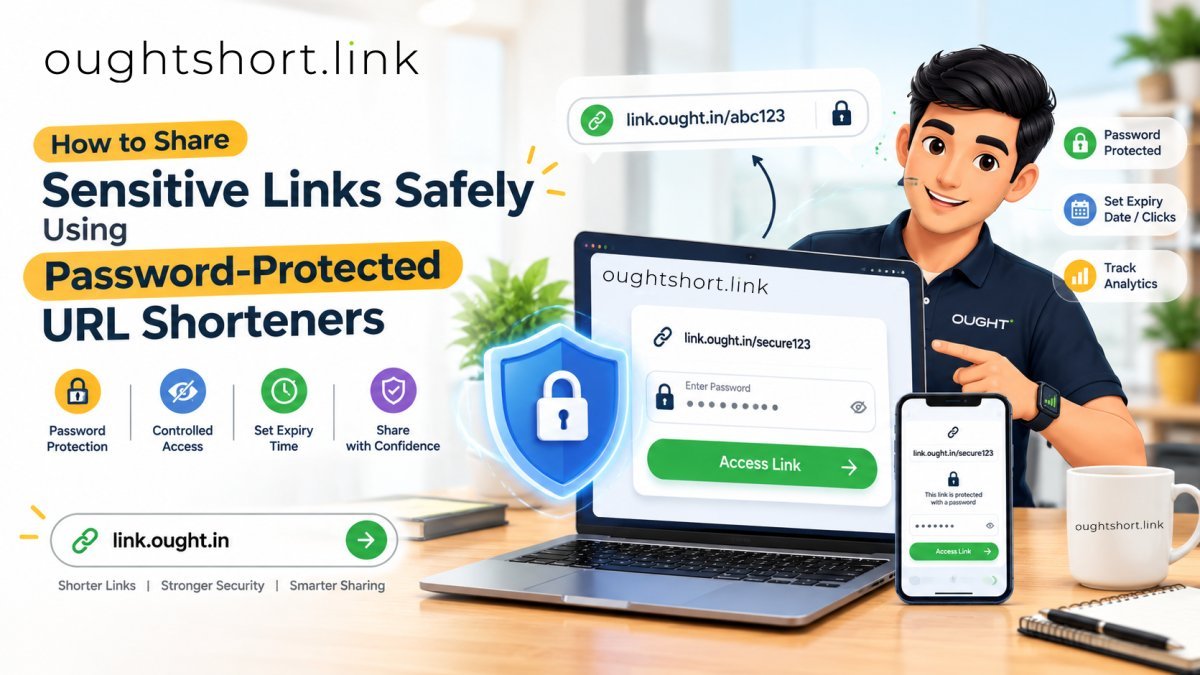
A password-protected URL shortener adds an authentication layer between the short link and the final destination.
When a user clicks your custom link from link.ought.in, they aren't redirected immediately. Instead, they are met with a secure prompt asking for a password. Only after entering the correct password does the system forward them to the target URL.
Step-by-Step: How to Create a Secure Link on Link Ought In
Securing your sensitive links takes seconds. Follow these steps to protect your confidential URLs:
- Copy Your Destination URL: Grab the link to the sensitive document, staging site, or platform you want to share.
- Visit Link Ought In: Head over to link.ought.in.
- Configure Password Protection: Paste your URL into the shortener input field and select the option to add a Password Protection layer.
- Set a Strong Passcode: Create a unique, robust password for the link.
- Generate & Share: Generate your secure short link. Now you are ready to distribute it safely.
Best Practices for Sharing Sensitive Links
Even with a password-protected short link, maintaining good cybersecurity hygiene ensures your data remains bulletproof:
- Out-of-Band Password Delivery: Never send the short link and the password in the exact same message or channel. For example, send the link via email, but share the password through a secure messenger or SMS.
- Use Strong Passwords: Avoid generic PINs like
1234or predictable words. Use a mix of letters, numbers, and symbols. - Keep Track of Your Links: Regularly audit your shared links and delete or deactivate them once they are no longer needed.
Protect Your Data Today
Whether you are a developer sharing internal builds, a freelancer sending client deliverables, or an enterprise professional managing confidential assets, security shouldn't be complicated.
Take control of your digital privacy today. Head over to link.ought.in and start sharing your links with confidence and absolute peace of mind.

0 Comments
Be the first to comment.
Leave a Comment